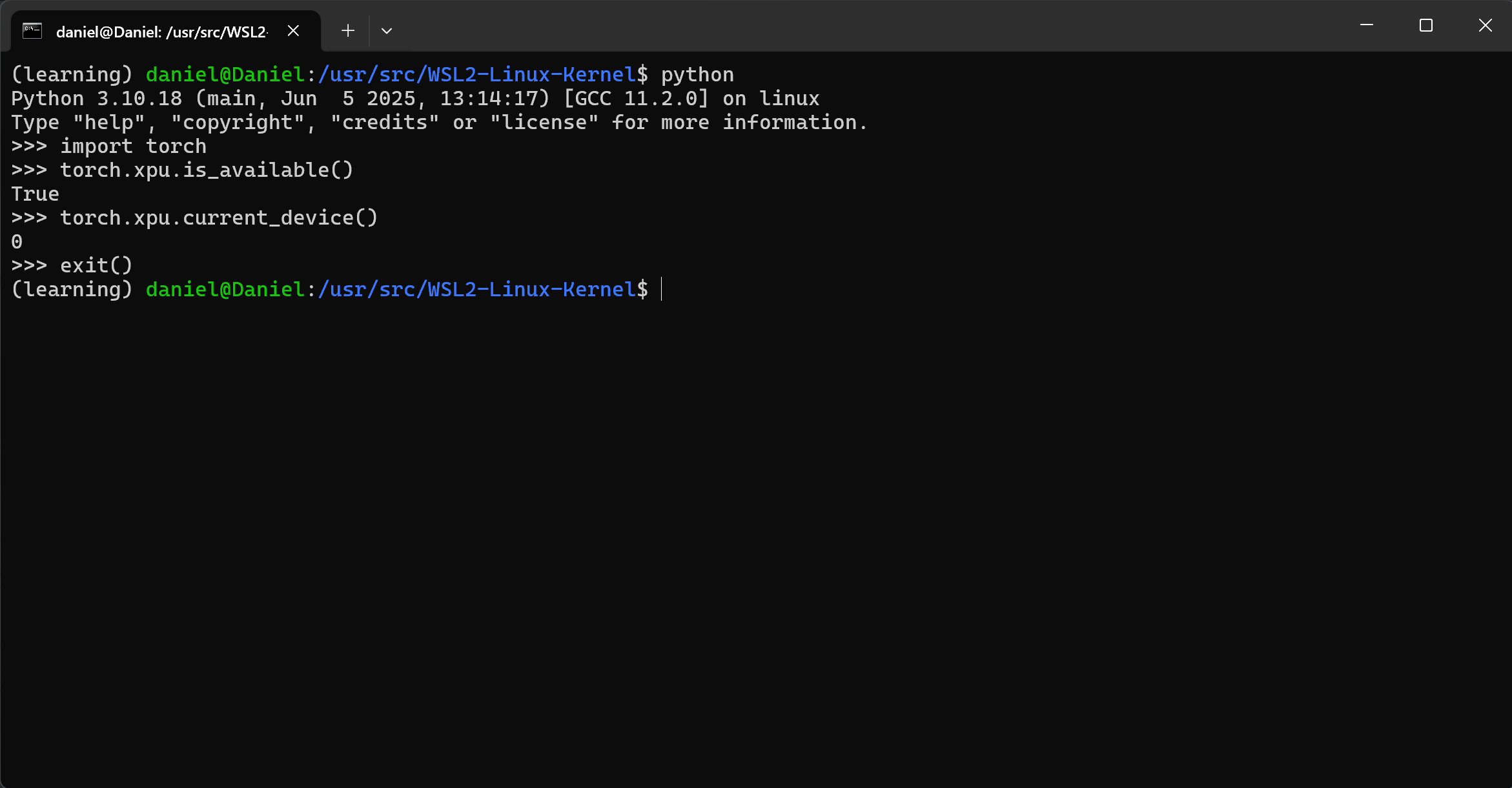
在 Intel GPU 上开始使用pytorch-xpu(WSL2)
参考链接:
Getting Started on Intel GPU PyTorch 2.8 documentation
PyTorch Prerequisites for Intel® GPUs
Installing Client GPUs Intel® software for general purpose GPU capabilities documentation
相关配置
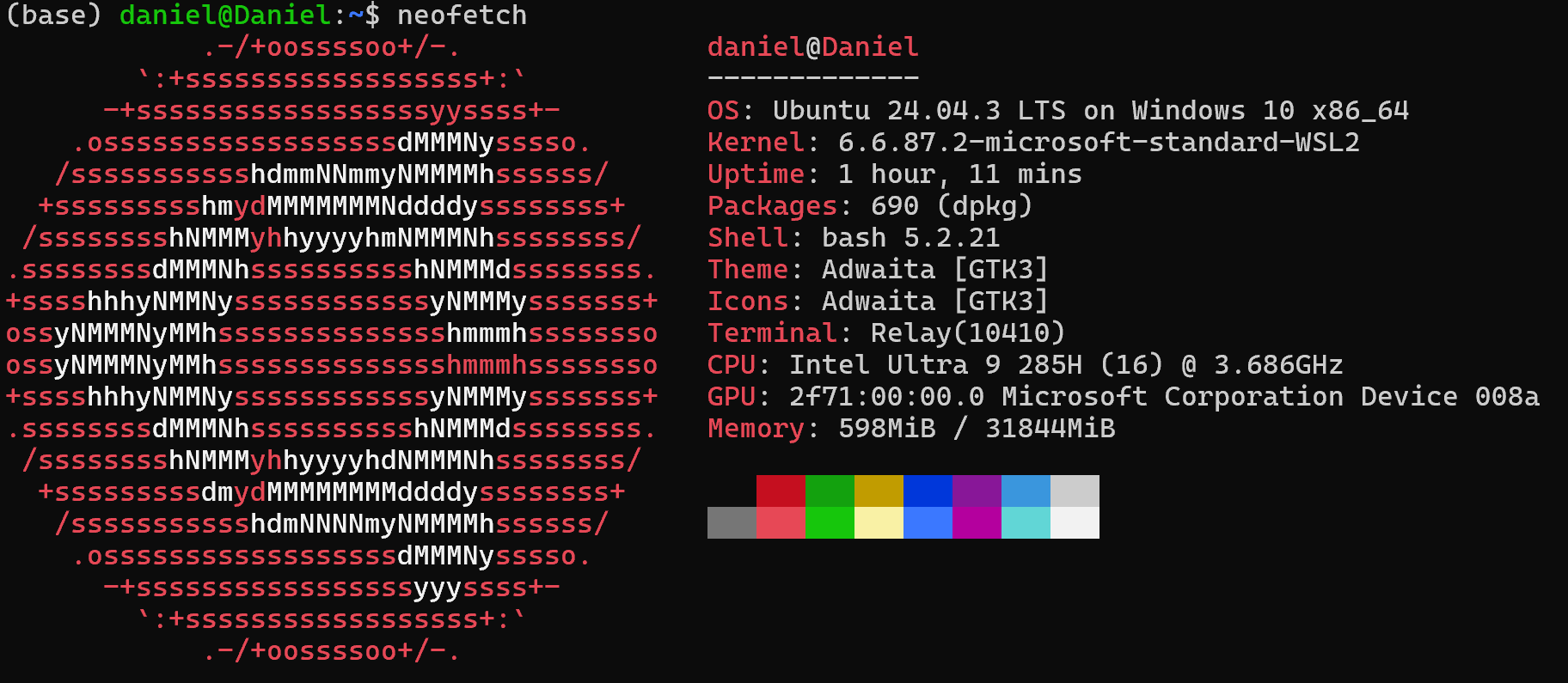
Intel GPUs Driver Installation
Installing Data Center GPU
执行
1 | sudo apt install -y \ |
可能遇到的问题:
- wsl: Failed to translate ‘C:\Windows\system32’
wsl: Failed to translate ‘C:\Windows’
wsl: Failed to translate ‘C:\Windows\System32\Wbem’
wsl: Failed to translate ‘C:\Windows\System32\WindowsPowerShell\v1.0'
wsl: Failed to translate ‘C:\Windows\System32\OpenSSH'
wsl: Failed to translate ‘C:\Program Files\dotnet'
wsl: Failed to translate ‘D:\Program Files\Git\cmd’
wsl: Failed to translate ‘D:\Program Files\Git\bin’
wsl: Failed to translate ‘D:\Program Files\nodejs'
wsl: Failed to translate ‘C:\Users\29655\AppData\Local\Microsoft\WindowsApps’
wsl: Failed to translate ‘D:\Program Files\Microsoft VS Code\bin’
wsl: Failed to translate ‘C:\Users\29655\AppData\Roaming\npm’
- 解决方案:禁止wsl2访问windows的环境变量。
- E: Unable to locate package linux-headers-6.6.87.2-microsoft-standard-WSL2
E: Couldn’t find any package by glob ‘linux-headers-6.6.87.2-microsoft-standard-WSL2’
E: Unable to locate package linux-modules-extra-6.6.87.2-microsoft-standard-WSL2
E: Couldn’t find any package by glob ‘linux-modules-extra-6.6.87.2-microsoft-standard-WSL2’
解决方案:
问Kimi在 WSL2 Ubuntu 中运行:
uname -r,输出例如6.6.87.2-microsoft-standard-WSL2。安装依赖
1
2
sudo apt update
sudo apt install build-essential bc flex bison libssl-dev libelf-dev- 下载并解压 WSL2 内核源码(含头文件)
1
2
3
cd /usr/src
sudo git clone --depth 1 --branch linux-msft-wsl-6.6.87.2 \
https://github.com/microsoft/WSL2-Linux-Kernel.git- 创建头文件链接(供编译模块使用)
1
sudo ln -s /usr/src/WSL2-Linux-Kernel /lib/modules/$(uname -r)/build
- 验证是否成功
1
ls -l /lib/modules/$(uname -r)/build
如果输出的是源码目录的链接,说明已配置好。
执行xpu-smi时可能遇到的问题:
1 | xpu-smi: /home/daniel/miniconda3/envs/learning/lib/libstdc++.so.6: version `GLIBCXX_3.4.32' not found (required by xpu-smi) |
解决方案:
升级 Conda 环境中的 libstdc++ 。
1 | conda install -c conda-forge libstdcxx-ng=13 |
Driver Installation for Client GPUs from Intel
Installing Client GPUs ——Intel® software for general purpose GPU capabilities documentation
Install pytorch-xpu binaries
Getting Started on Intel GPU PyTorch 2.8 documentation
1 | pip3 install torch torchvision torchaudio --index-url https://download.pytorch.org/whl/xpu) |